Update or add carriers and services
Carriers and carrier services that are available in Shipping Central are the same that are available in your nShift Delivery account.
When you set up Shipping Central by running the setup wizard, all carriers and carrier services are synced from nShift into Shipping Central.
If you want to add a carrier, carrier services or other services, you do it in the nShift Delivery portal or through nShift's support team.
After making changes to your nShift Delivery account, the changes must be synced into Shipping Central.
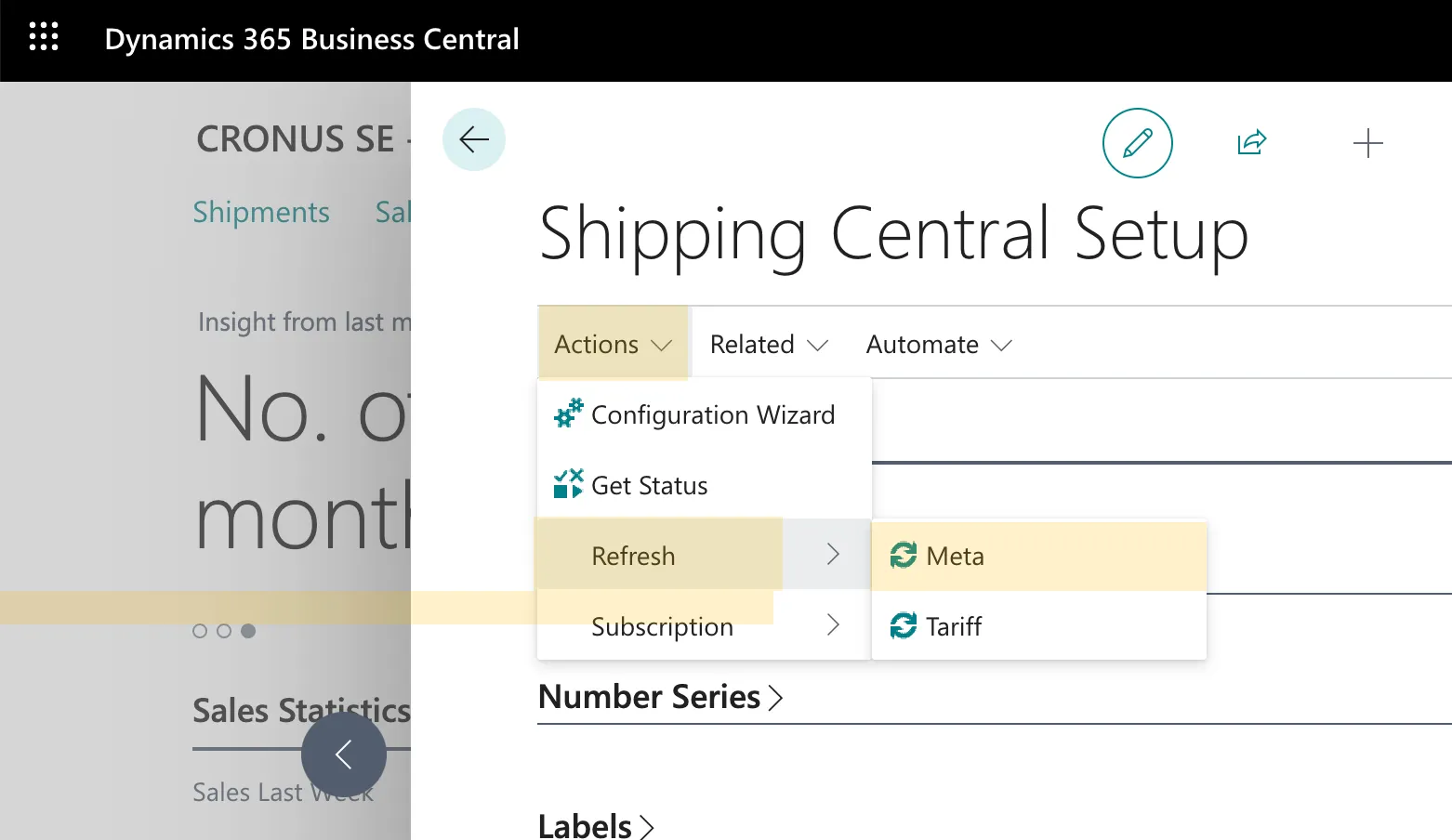
To sync services from nShift Delivery, run Meta, which you find on the Shipping Central Setup page under Actions / Refresh / Meta.
The meta sync can take a few minutes depending on how many services there are on the account.
When the meta sync is complete, new carriers, carrier services and other services have been added to Shipping Central, ready to be configured and used.